Itera Lead 360 From the link to the approval, with no paper and no retyping
Flows, a form with ID, selfie and signature, an approval inbox, reports and webhooks, on one platform.
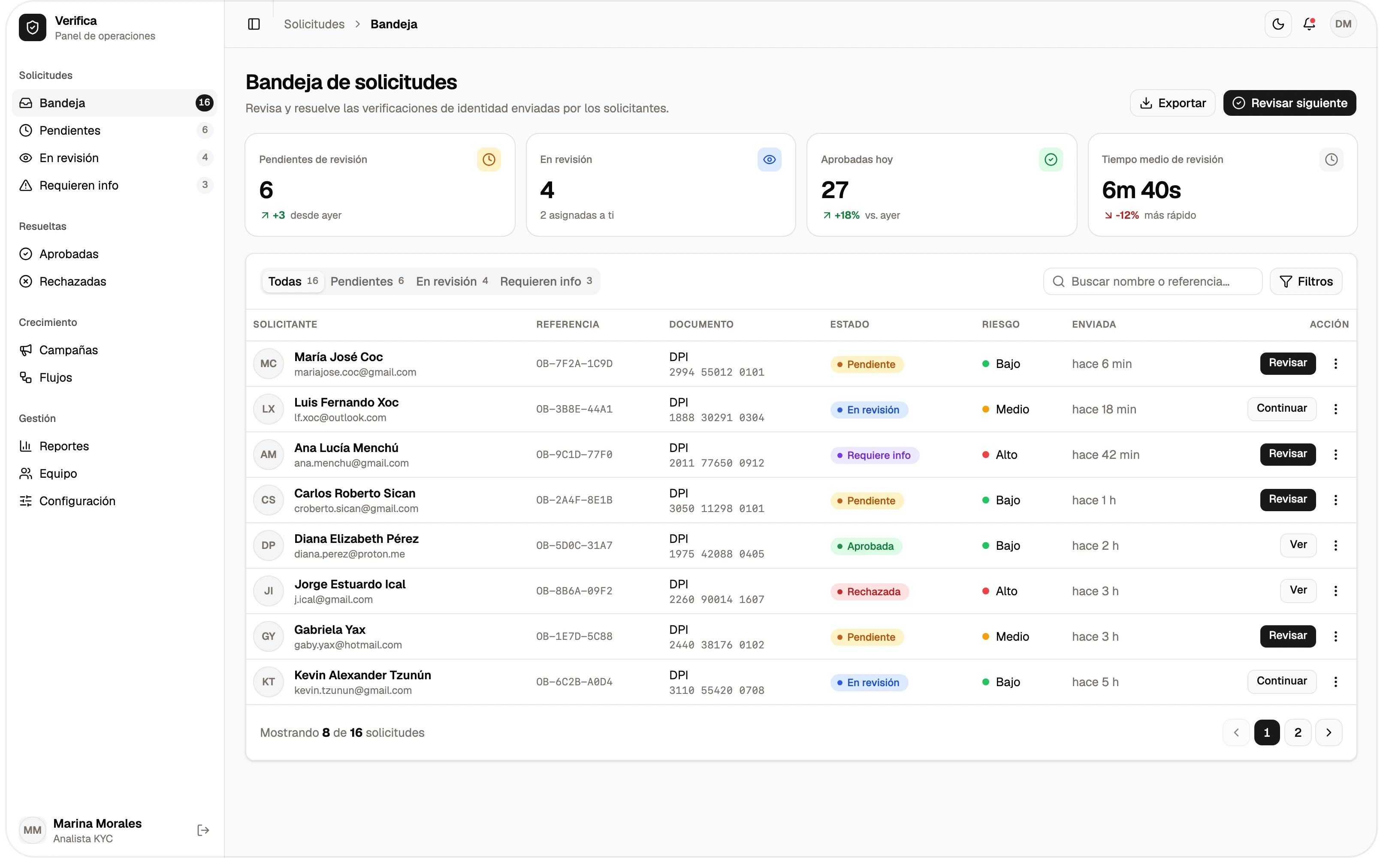
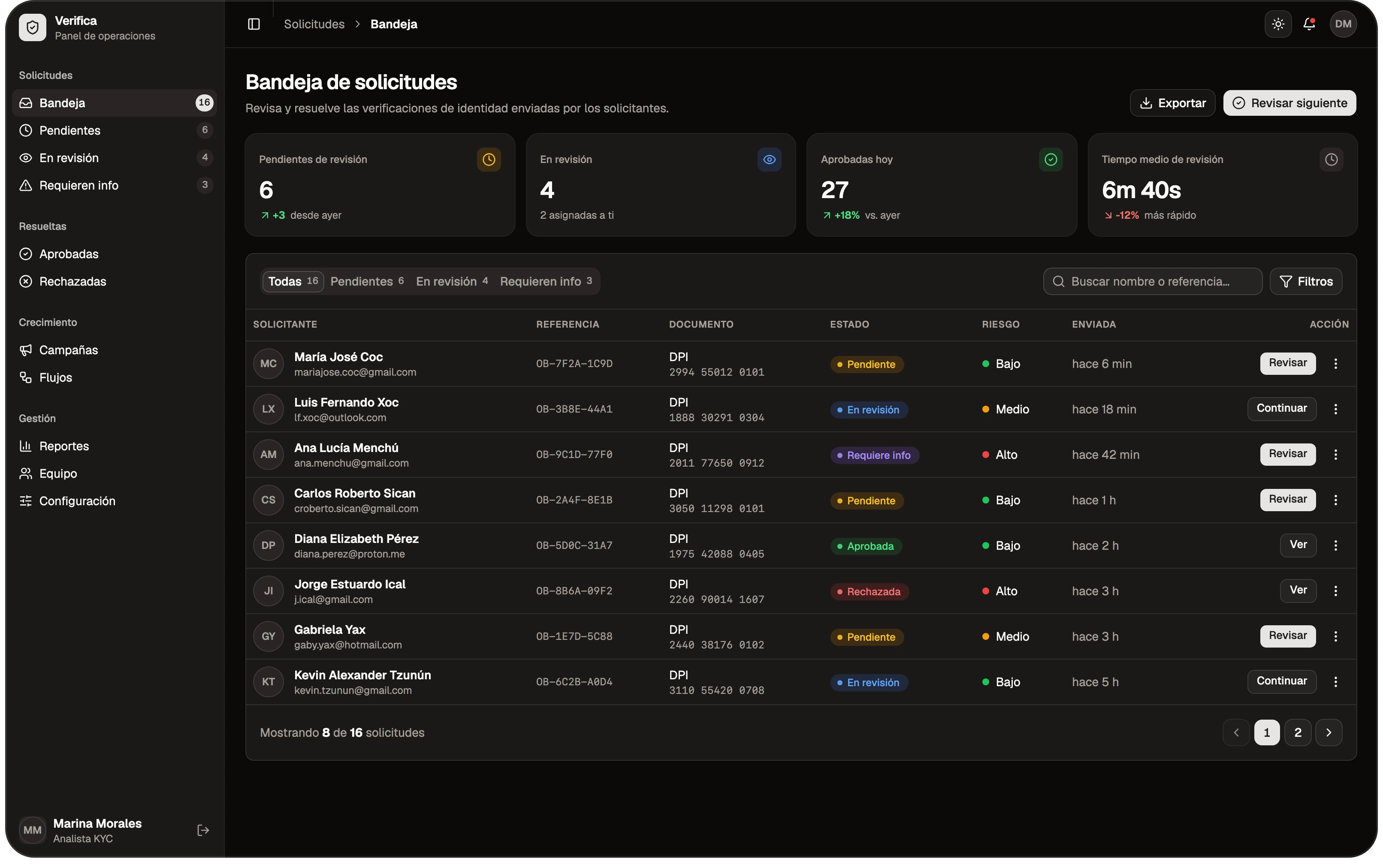
Receiving the application is the easy part
- Applications arriving by email or WhatsApp, incomplete, with papers missing
- Identity and documents checked by hand, one by one
- Approvals with no trace of who reviewed what, or when
How it works, step by step
Itera Lead 360 takes an application from start to finish: you build the flow, the client fills it in from their phone, the system decides and assigns, and your team approves from the inbox. If you already run an ERP, CRM or core banking system, webhooks tell it about every step.
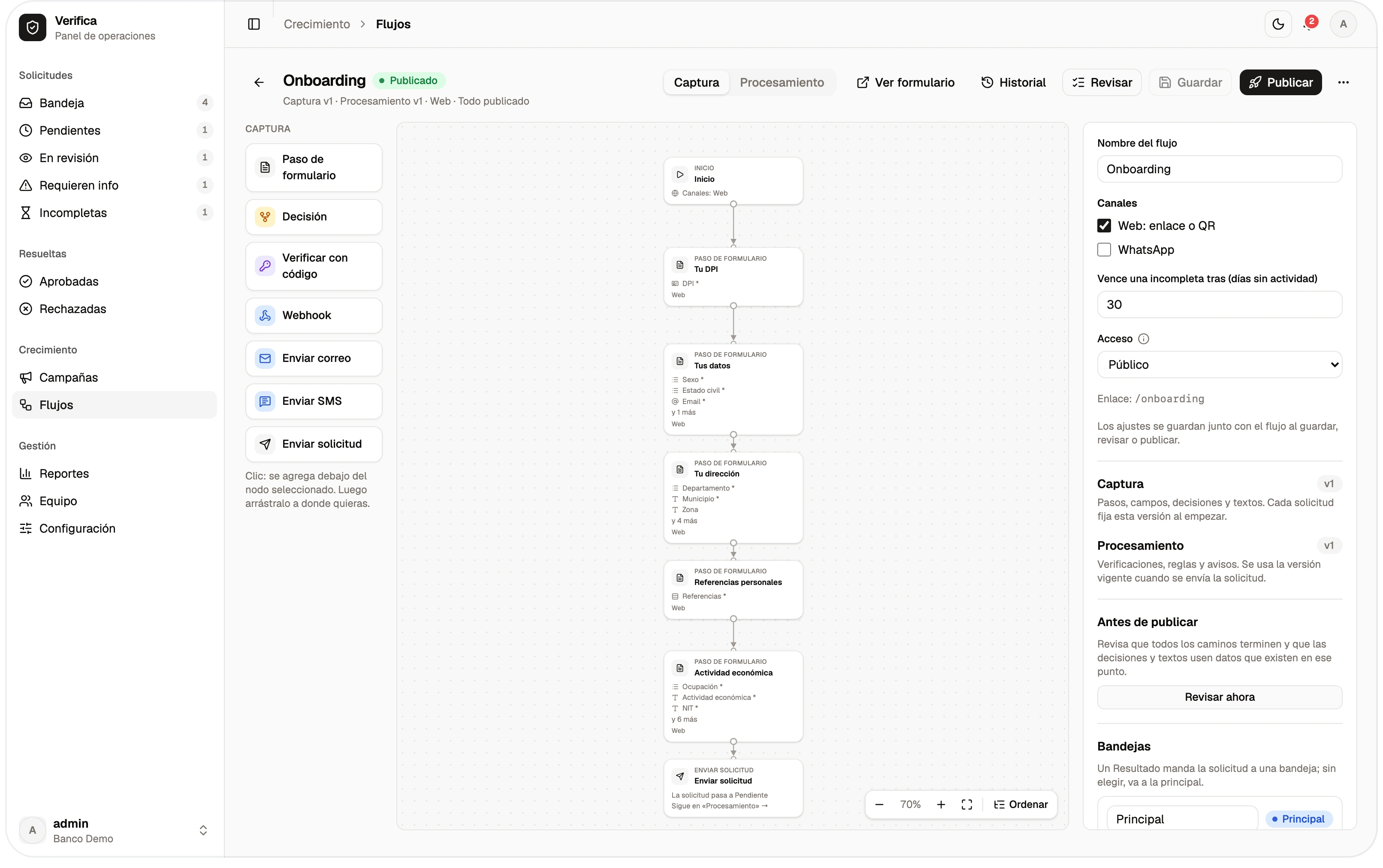
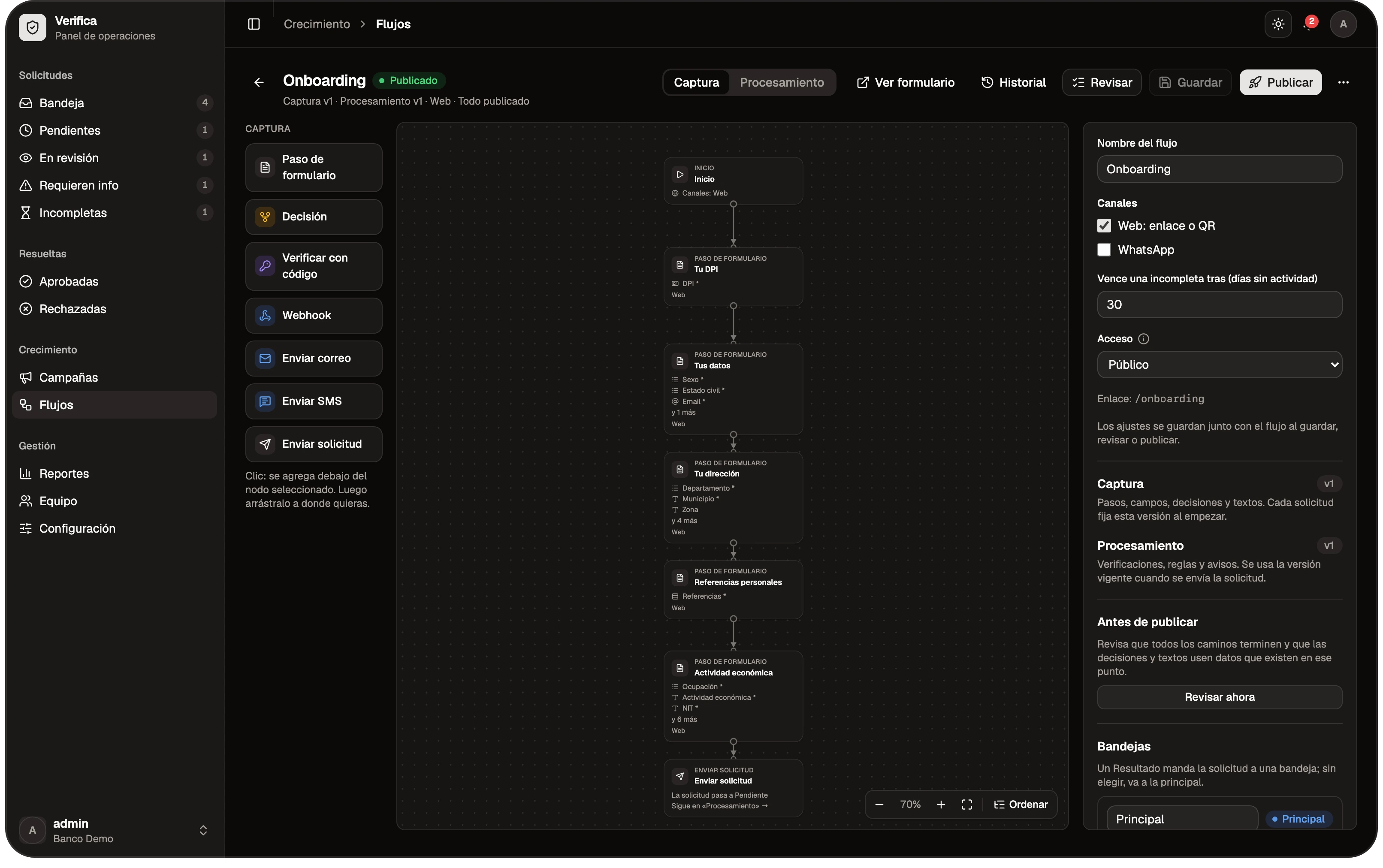
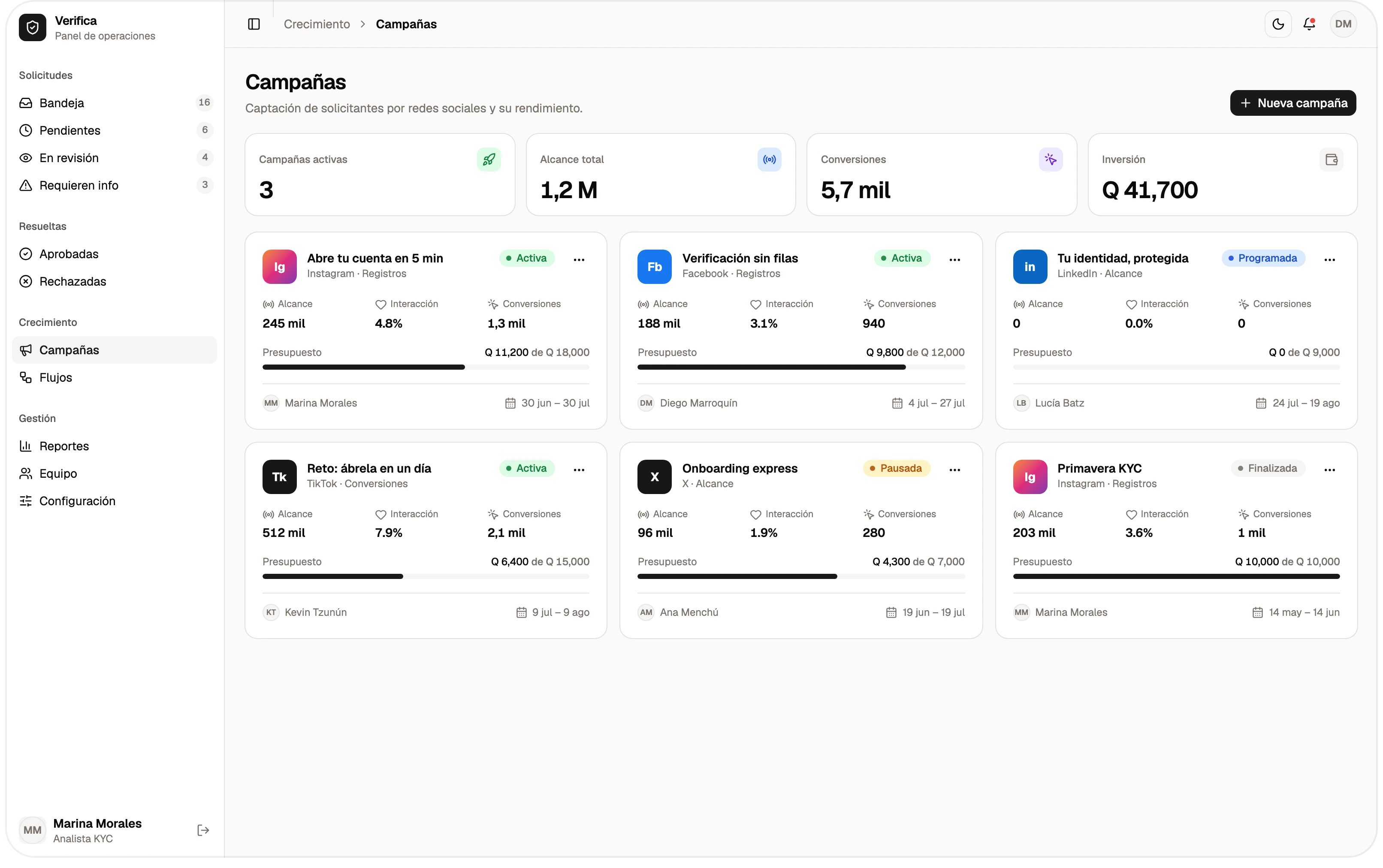
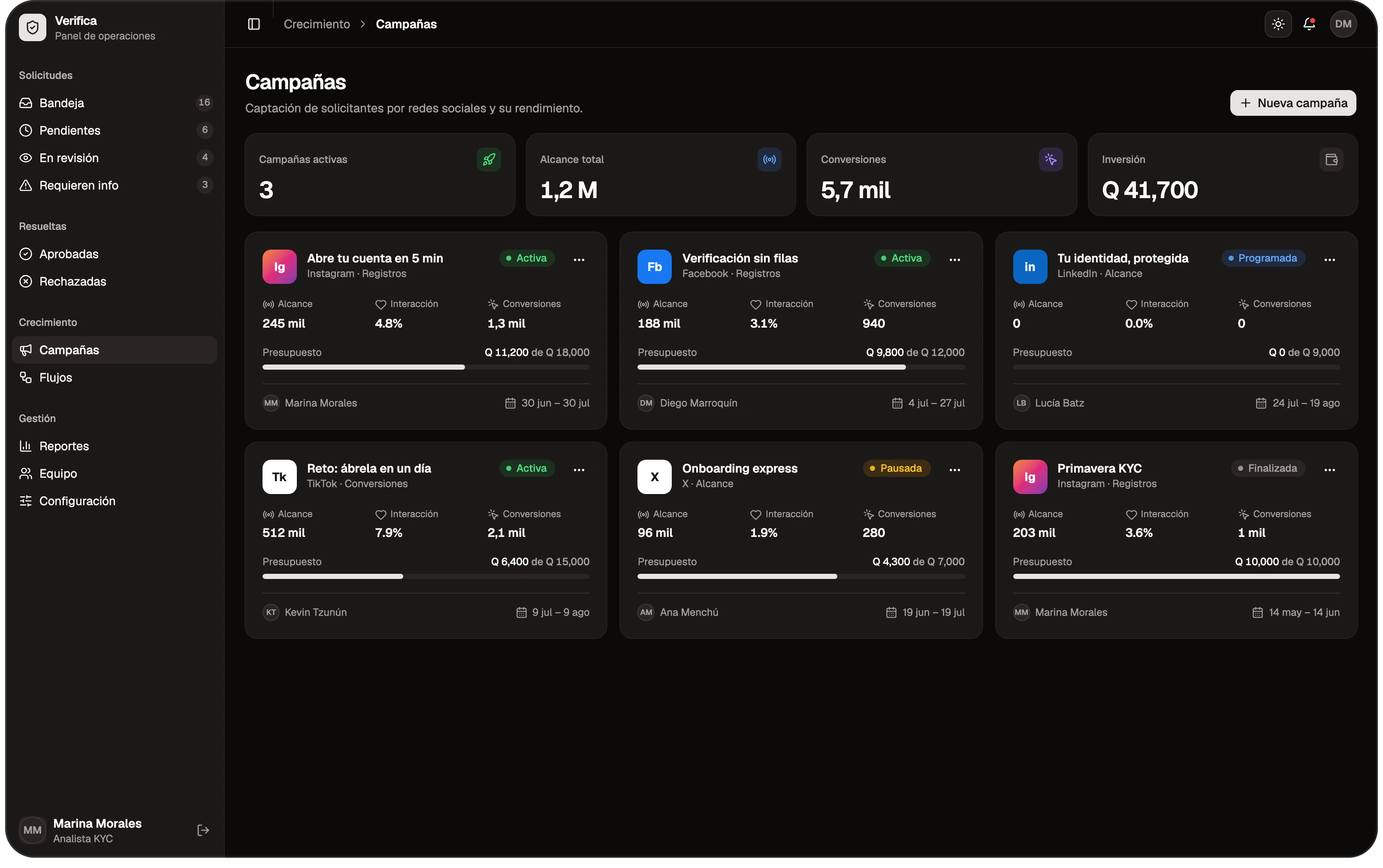
Flow
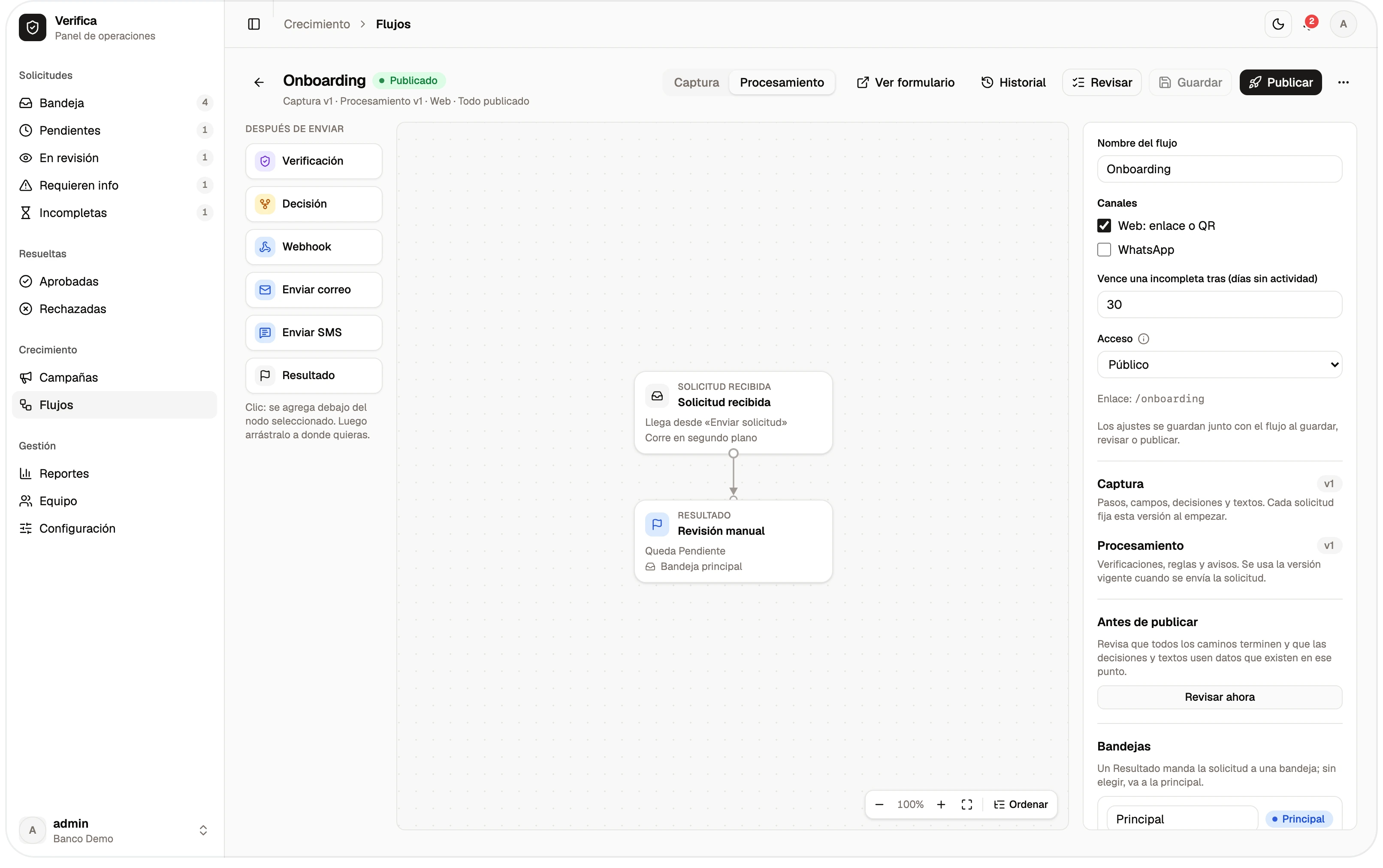
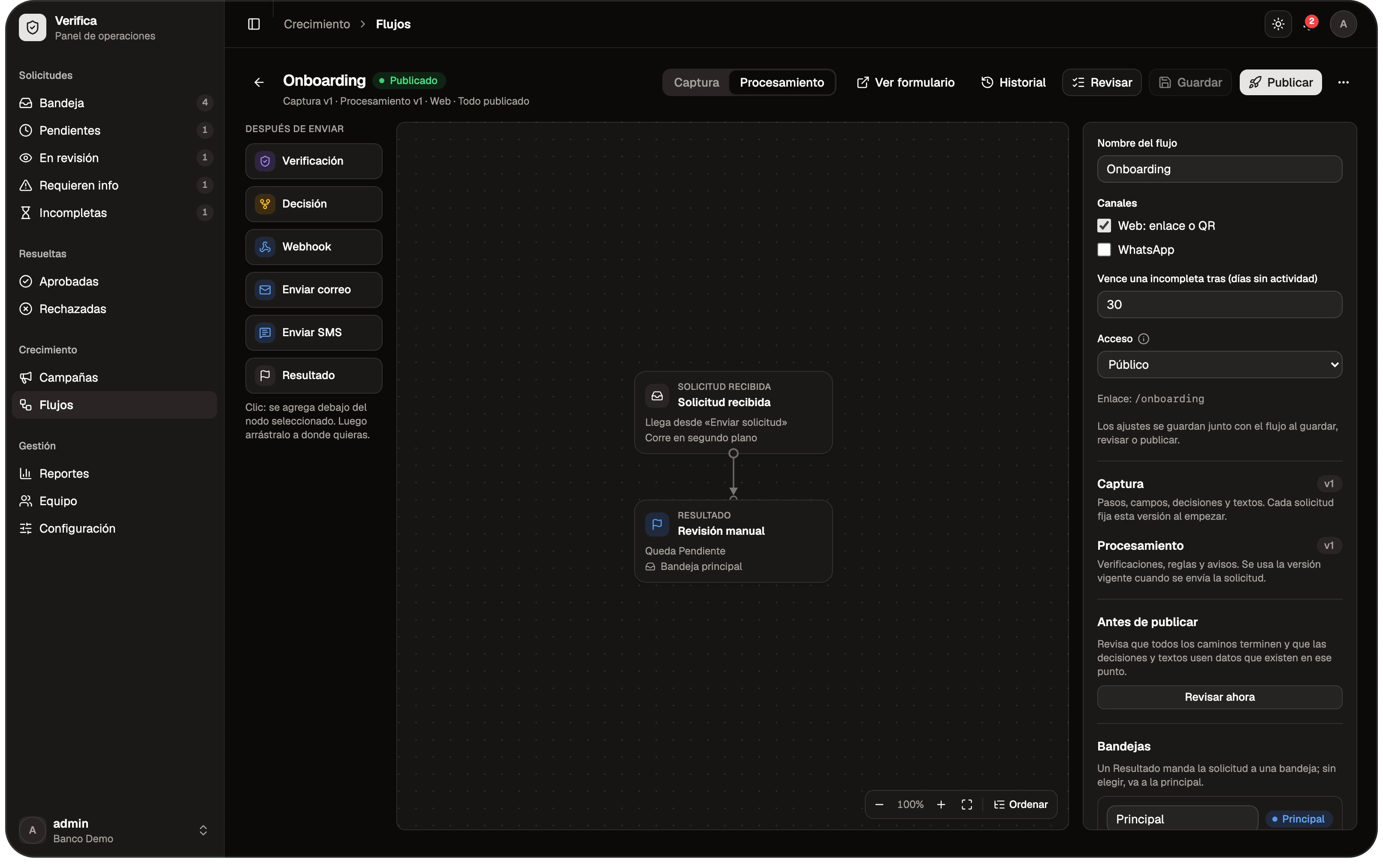
You create and publish the flow: the steps of the form and what happens next —the decisions, the inbox it lands in and the notices by email, SMS or webhook—.
- Form steps
- Automatic decisions
- Email and SMS notices
Campaign
You create the campaign and assign it its flow. It's optional: the flow can also be shared through its direct link, or through private links if the flow is private.
- One flow per campaign
- Direct link
- Private links
The form, on the client's phone
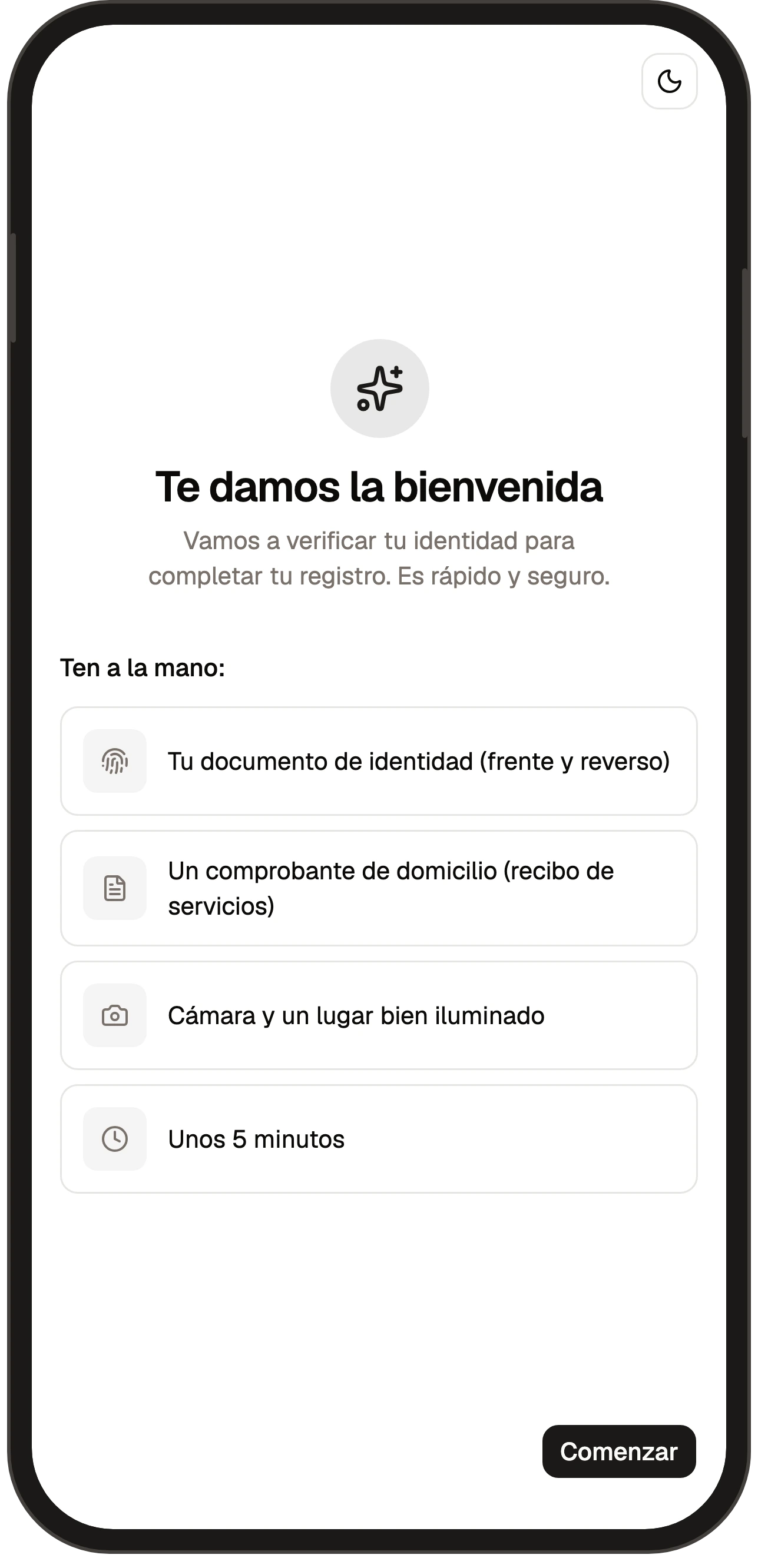
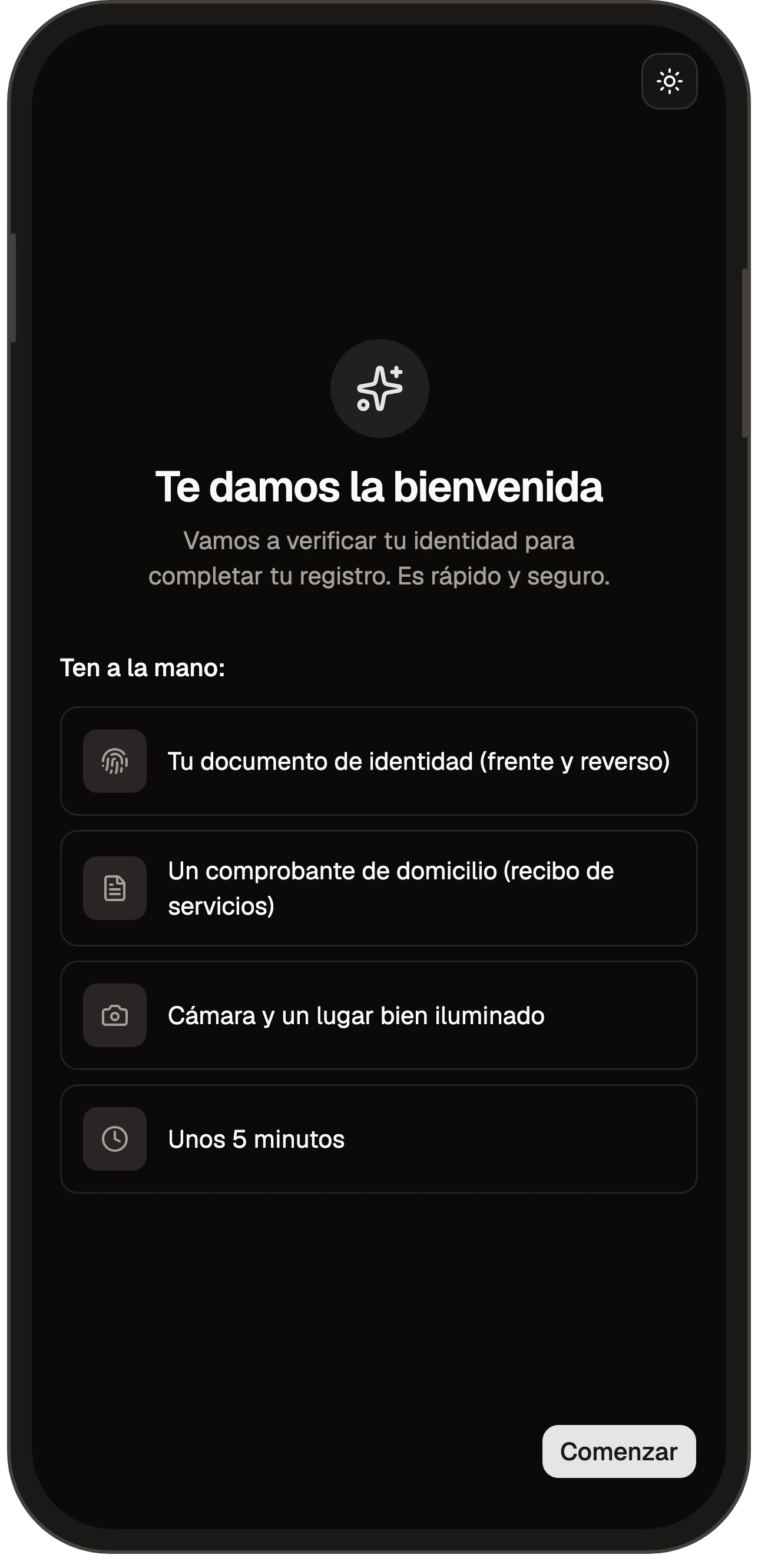
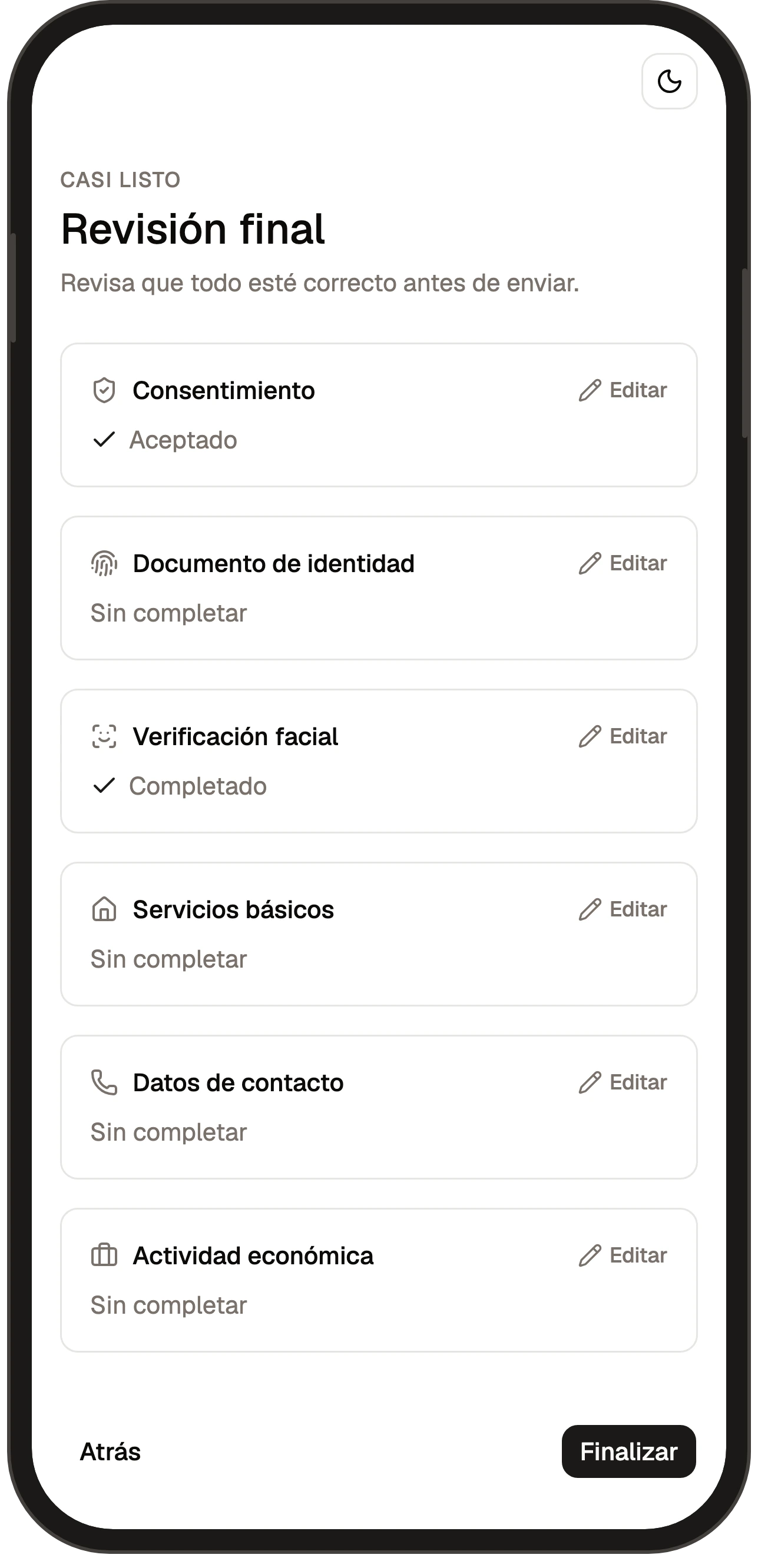
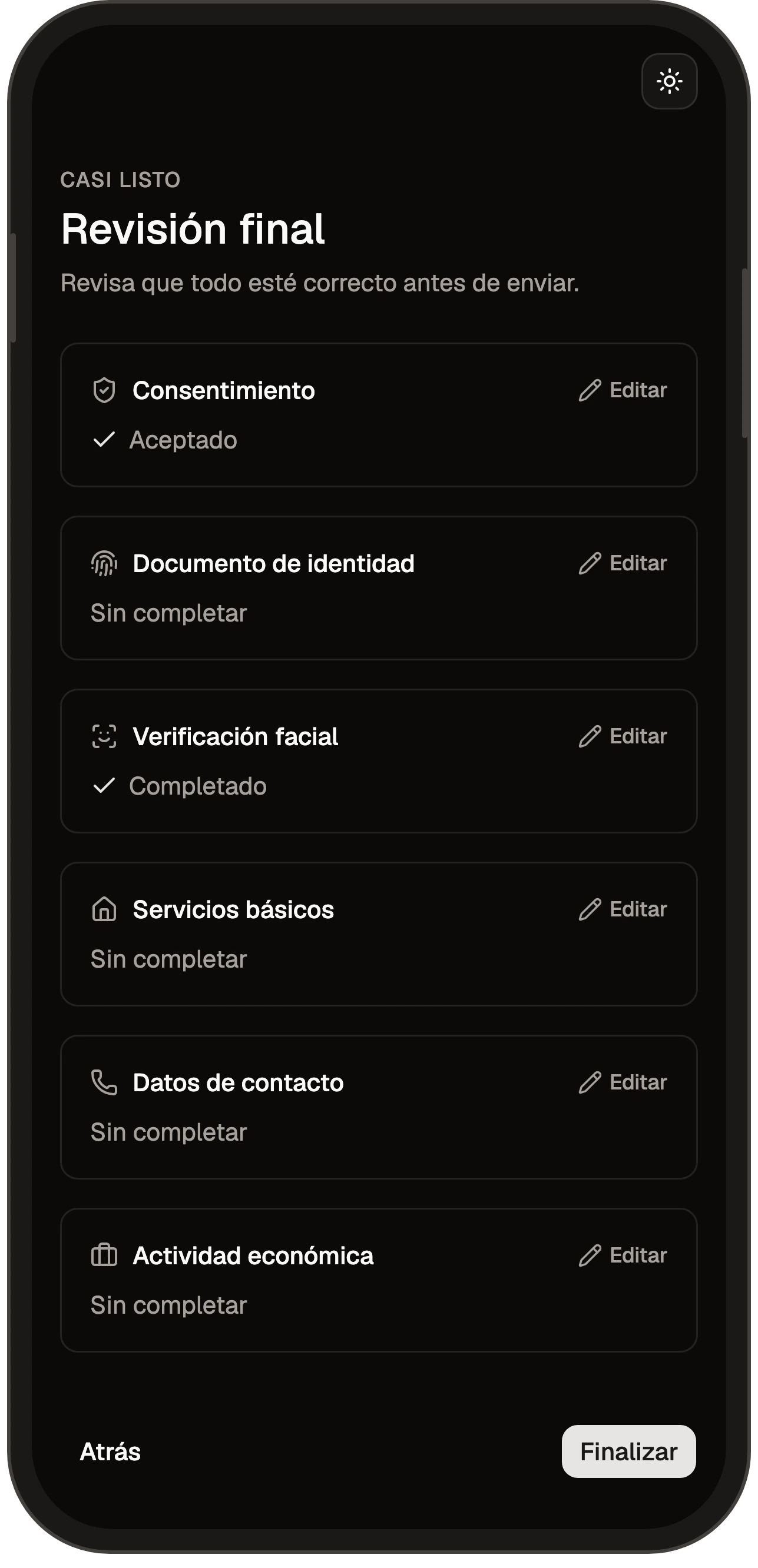
They open the link and fill in the form from their phone: their details, their ID, a selfie, their signature, the verification code and acceptance of the legal terms. Then they submit it. No queues and no paper.
- National ID
- Selfie
- Signature
- Verification code
Processing
Once received, the system applies the flow's automatic decisions, sends it to an inbox, assigns it and sends the emails, SMS and webhooks that apply.
- Flow decisions
- Assignment
- Email, SMS and webhook
Review
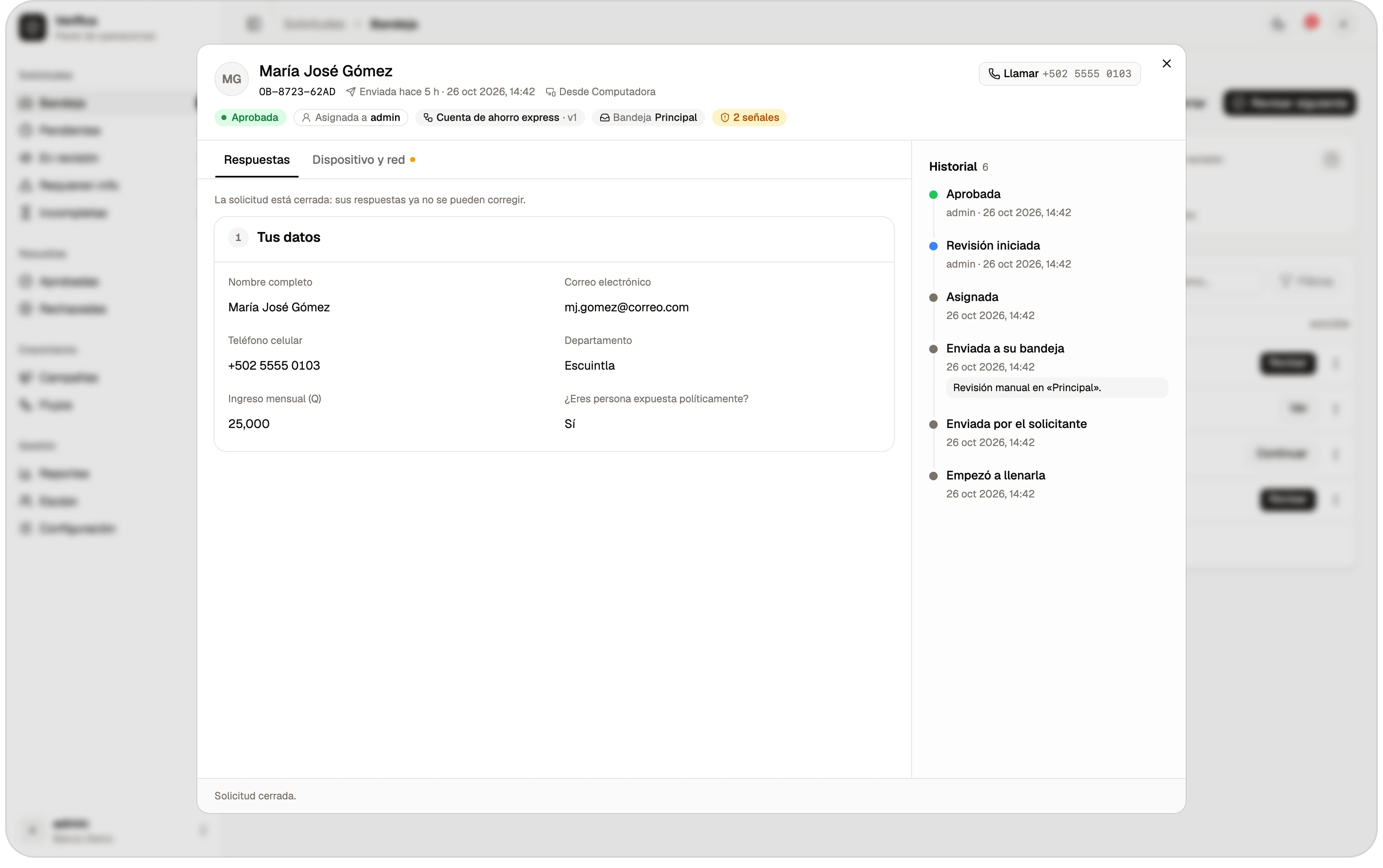
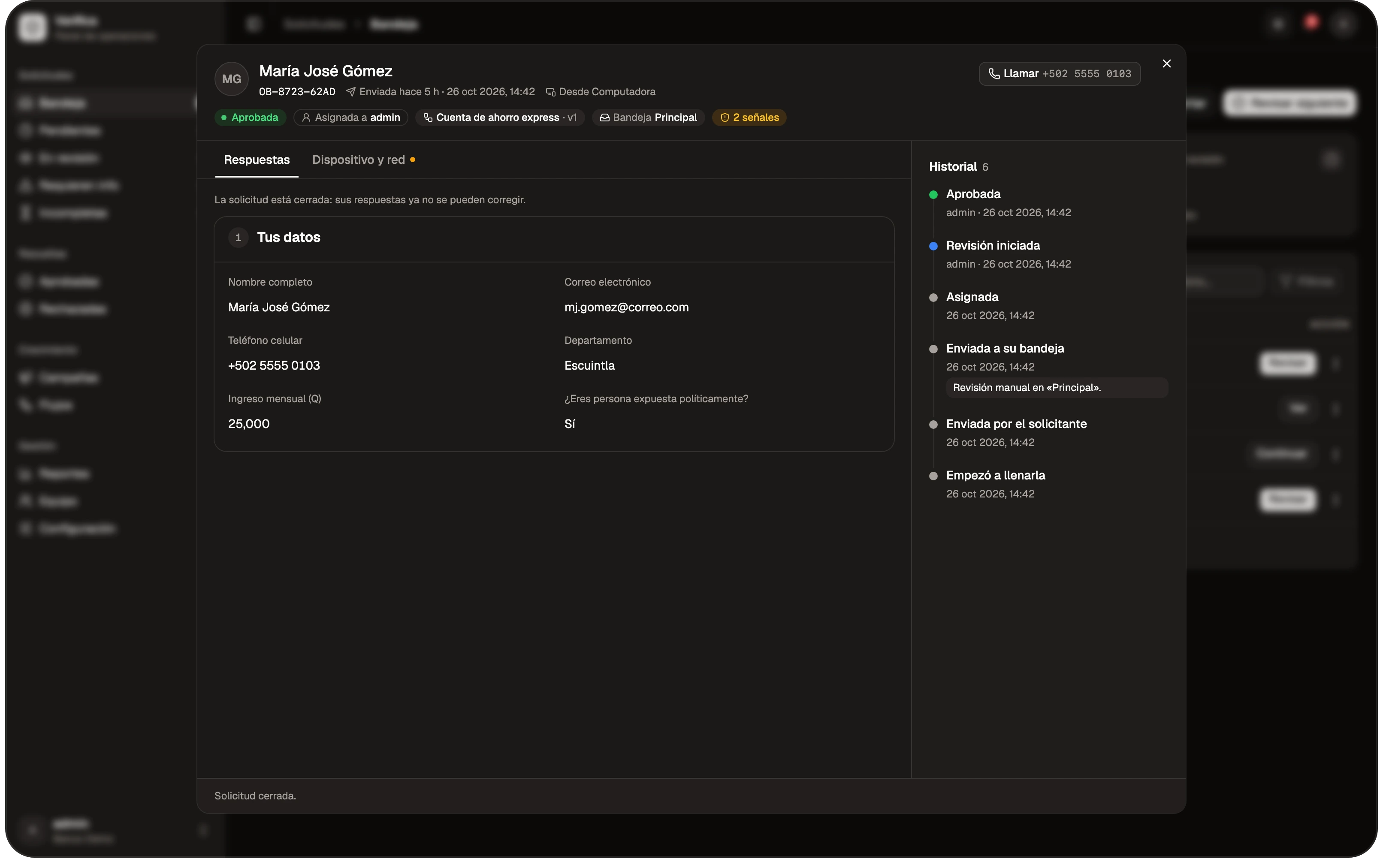
The officer handles it in their inbox: reviews it, corrects data if needed, asks for information and approves or rejects it. If the flow requires it, a second person confirms the approval.
- Data correction
- Request information
- Second review
Reports
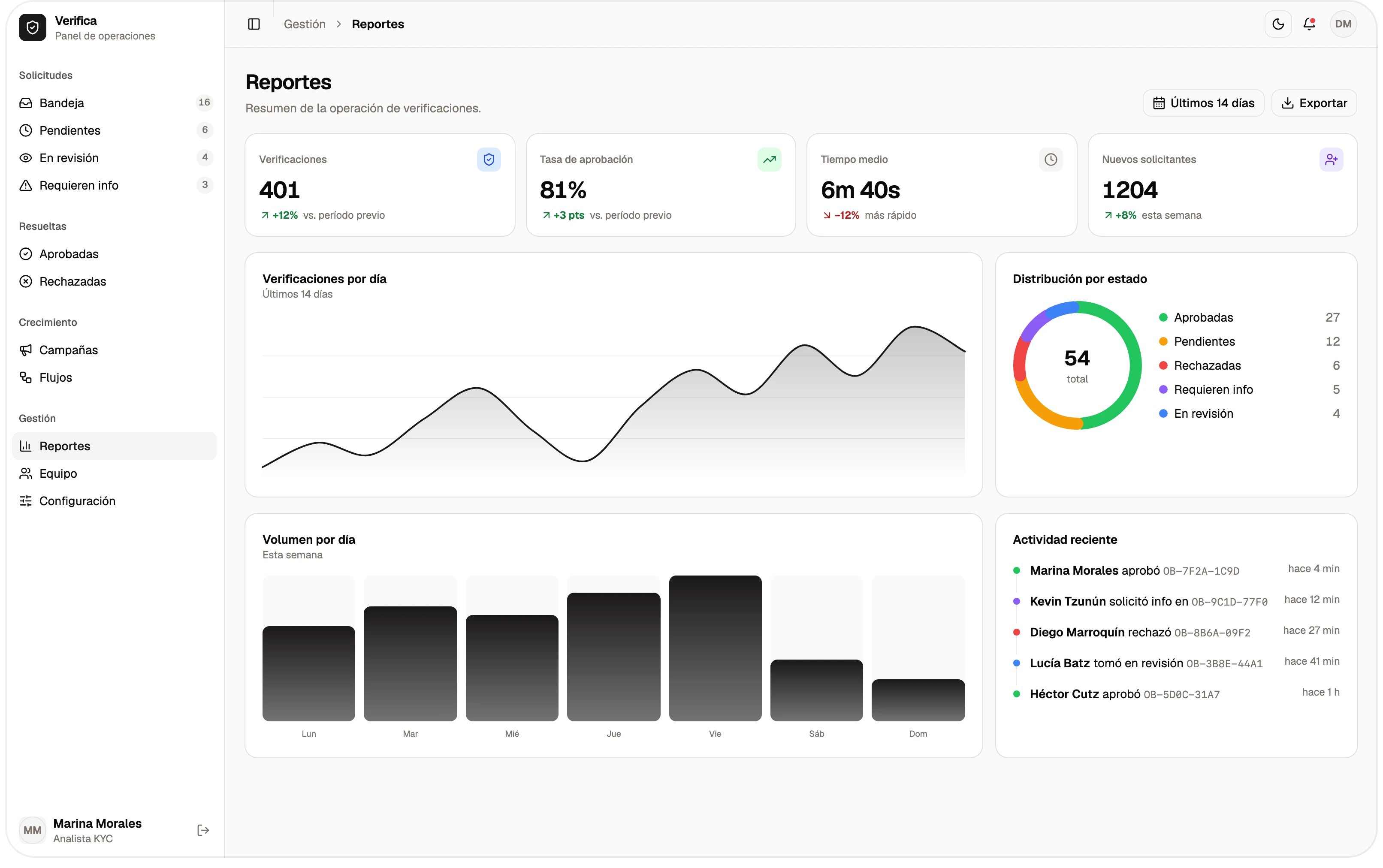
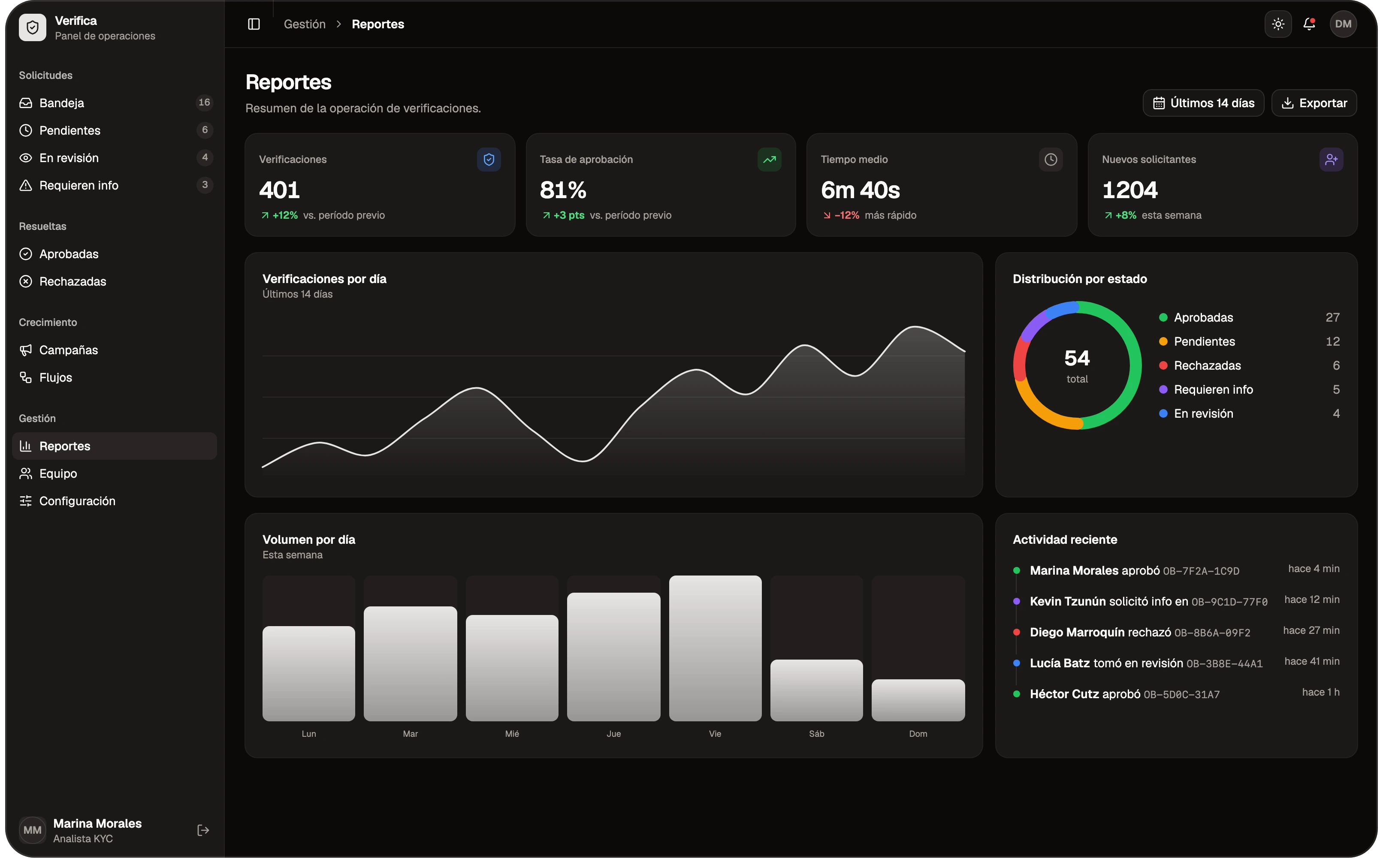
Managers see the funnel, response times, how each campaign performs and usage.
- Funnel
- Response times
- Usage
Integration
Optional: webhooks send the information to SAP or another ERP, a CRM or the core banking system, at the moment of each event —when a step is completed, when the application is submitted and when it's approved or rejected—.
- SAP and other ERPs
- CRM
- Core banking
Built to fit your operation
Each flow defines its own steps, decisions and notices. The campaign, the second review and the webhooks are optional: they're switched on if the operation needs them.